Use Official Services
Official services are the easiest way to try OAN. They let users register resources and run Discovery queries without deploying a local Root, Registrar, Discovery node, CDN path, or trust indexer. For most first-time users, the official website and default SDK configuration should be the starting point.
Official convenience does not change the trust model. The official entry is a route into OAN services; it is not a shortcut around DID identity, Root proof, package hashes, lifecycle state, or verification before use.
The official path exists because ecosystems need a place to start. If every new user had to find a Registrar, choose a Discovery operator, configure Root lookup, and learn node governance before trying OAN, adoption would be unnecessarily hard. Official services provide a working baseline while keeping the architecture open to third-party nodes.
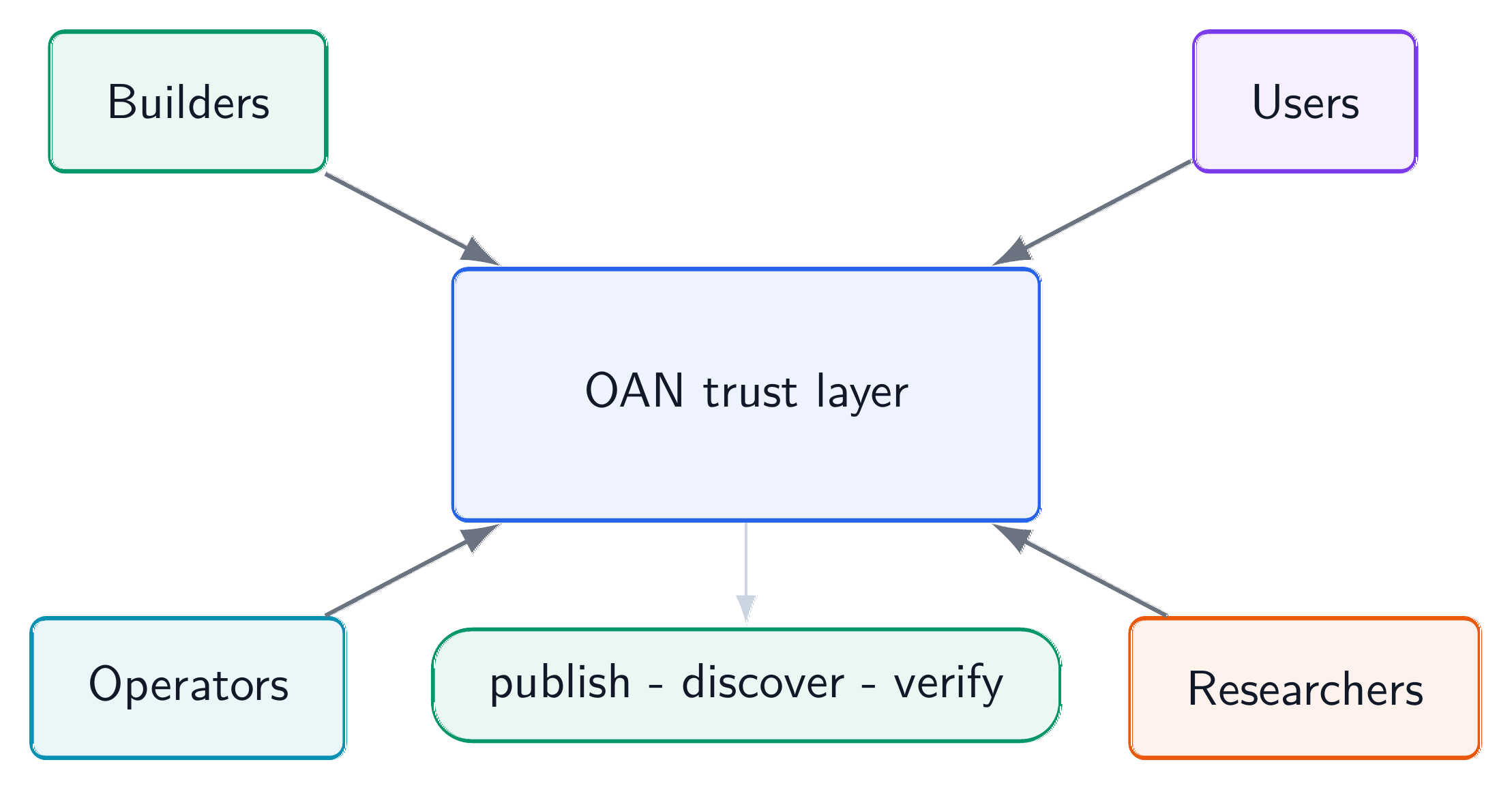
What “Official” Means
In public usage, “official” usually means the service is operated as part of the OAN reference deployment. It may include:
- an official Registrar service for public resource registration;
- an official Discovery service for resource search;
- Root status and package lookup routes;
- CDN or package distribution routes;
- website backend APIs for public summaries and Docs;
- a reverse proxy or gateway that exposes a stable
baseUrl.
The exact deployment can change when a domain is configured or infrastructure is migrated. The user-facing idea should stay stable: SDKs and skills can default to an official baseUrl, and users can override it when they need a third-party compatible node.
In an early public deployment, the official service may be served from an IP address. In a production deployment, the same route model should move behind a domain and HTTPS. The important compatibility rule is that user tools should not hard-code internal ports or private topology. They should rely on the public entry and verify returned evidence.
The baseUrl Model
The official service should be reachable through a normal baseUrl. During a temporary IP-based deployment this may be an IP URL; in production it should become a domain-backed URL. The route model is intentionally simple:
| Service area | Example route shape |
|---|---|
| Registrar | {baseUrl}/registrar/status, {baseUrl}/resources/register |
| Discovery | {baseUrl}/discovery/status, {baseUrl}/discovery/resources/query |
| Root | {baseUrl}/root/status, {baseUrl}/root/resources/{did} |
| CDN/package | {baseUrl}/cdn/status, {baseUrl}/cdn/resources/{did} |
| Website backend | {baseUrl}/api/... when exposed under the same entry |
The reverse proxy behind the baseUrl routes traffic to the right service. It does not become the trust authority. Clients still verify OAN evidence returned by the underlying nodes.
This route model also makes migration easier. The operator can move Root, Registrar, Discovery, CDN, or website backend components behind the same public entry without asking every SDK user to rewrite endpoint configuration. If a user needs direct diagnostics, explicit endpoint overrides remain available.
When To Use the Website
Use the official website when you want a low-friction path:
- register a small test resource;
- run a semantic Discovery query;
- inspect result cards and proof links;
- read Docs while trying the flow;
- understand what fields the SDK will later automate.
The website is also useful for non-technical readers. A product manager, researcher, partner, or ecosystem contributor can see how OAN presents registration and Discovery without setting up local services.
The website should be honest about service state. If official Discovery is reachable but semantic indexing is temporarily rebuilding, the UI should say so. If registration is accepted but publication is delayed, the UI should show the lifecycle stage. Official does not mean magically instant; it means the public path is operated as the reference service.
When To Use the SDK or Skill
Use the SDK when you are integrating OAN into an application or repeatable script. The SDK should handle the official baseUrl default, construct service routes, perform registration or Discovery calls, and expose verification helpers.
Use the community skill when you want AI-assisted resource registration or Discovery. The skill can help prepare metadata, choose tags, call official endpoints, and explain lifecycle states. It should still report evidence and configuration clearly rather than hiding what happened.
A useful adoption pattern is: learn with the website, automate with the SDK, accelerate with the skill. The three surfaces should feel consistent because they target the same underlying service model. A user who understands fields on the Register page should recognize the same ideas in SDK options and skill prompts.
What Official Services Do Not Guarantee
Official services do not guarantee that every registered resource is useful, safe for your environment, or immediately visible. They also do not replace native protocol checks. A Discovery result still needs verification. A resource endpoint still needs authentication and policy. A skill still needs installation review. An MCP server still needs connection safety.
Official services provide a trusted public path into the OAN model, not blanket approval of every downstream action.
They also do not prevent other operators from existing. The official path is the default public route; third-party paths can serve specialized domains, private deployments, or research experiments. Users should choose based on trust, coverage, policy, and availability.
Practical Tips
Start with a resource whose domain and type are obvious. Use concise capability tags. Watch the lifecycle after registration. If a resource is accepted but not visible, wait for publication and indexing before changing everything. When using SDKs, keep the default baseUrl unless you have a reason to target another node. When debugging, explicit endpoint overrides can help isolate Registrar, Discovery, Root, or CDN issues.
For current temporary deployments, remember that endpoint addresses may change when the final domain is configured. Prefer configuration through environment variables, SDK options, or skill settings instead of embedding an IP address in long-lived code. That small habit saves painful migration work later.